The latest round of developments include...
- Thursday 19th May 2022
- 2 mins read
Media Library & Section Selector
The Media Library and Section Selector operate in a similar fashion, they both utilise something called a 'masonry' layout.
A masonry layout is where the images are loaded in and then they are organised so that they fit into a set amount of columns irrespective of the height of the individual items. Probably the best example of this is how Pinterest layout their imagery.
Currently, there is no inherent way of being able to do this with CSS (although it is on the roadmap and initial specification for this was released 18 months ago).
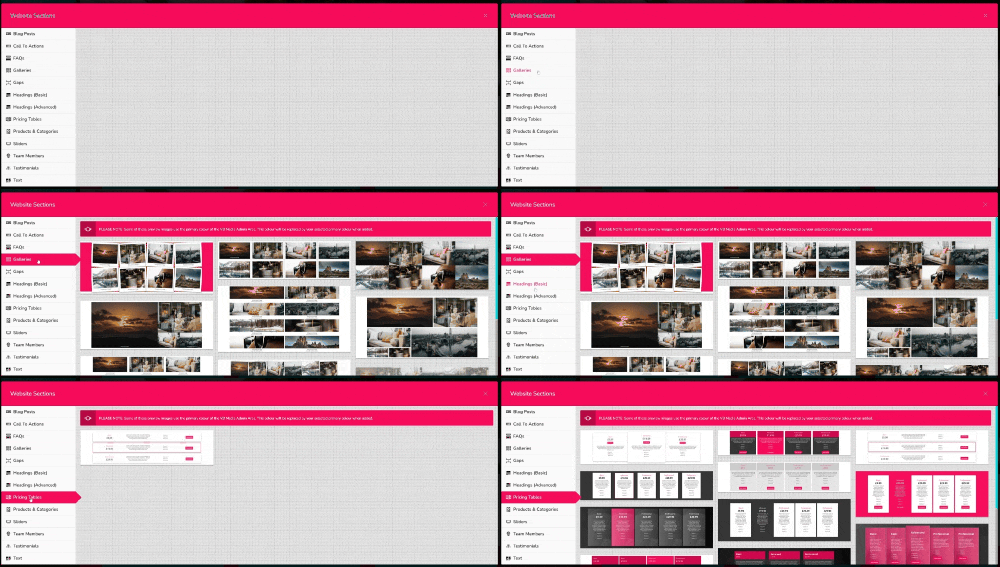
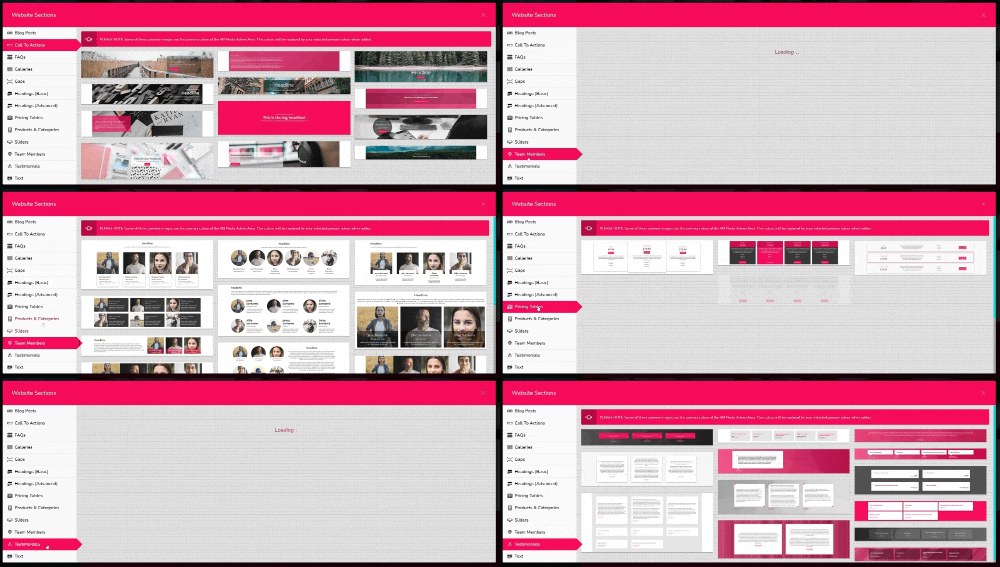
Because of the restrictions with CSS one around this issue is using Javascript to calculate and position items. This was then causing the loading in of the sections to be a bit 'jarring' as all of the imagery got loading into the top left corner and then moved into the masonry layout.
This has now been fixed so that they are loaded in invisibly and then put into position before cascading in more smoothly. You can see the difference in the animations below.
Adding sections before...
Adding sections after...
Google Maps Integration
We have integrated Google Maps into the editor for the Contact page.
Google Maps works utilising front-end javascript which means that our API key is exposed to anyone viewing the site and therefore open to being used on non-VB Media sites.
To counteract this we have created a 'micro-service' which serves all of the maps from a separate domain. The API key is then locked down to only display map requests from this domain.
Each VB Media site can utilise this micro-service as each request is verified and settings passed through.
The image to the right shows the settings available to you.
The map starts off in a general location based on postcode but you can click and drag the marker to pin-point your exact location, further helping potential customers to your exact location.
We will be releasing it under a BETA status whilst we do an analysis on cost, uptake and effectiveness. Any feedback on this (and anything else) will be much appreciated at support@vb.media.
- VB Media's Google Map Settings

- VB Media Contact Page Editor

Additional Updates/Bug Fixes
- Front End - product categories from mini-details causing a 500 error
- Front End - the Google Map not loading in correctly in some circumstances
- Page Editor - minor section duplication bug fixes